Lesson intent. You will produce the Media Toolchain Architecture v1—a single artifact that names how capture, storage, editorial, integrations, and coupling risks fit together for your real production. It becomes the reference for automation (Lesson 003), distribution (Lesson 004), and live operations (Lesson 005). Use your current stack or a declared pilot; no fictional tools.
Opening: architecture before more plugins
Toolchains fail when boundaries blur: proxies land next to masters, two apps both “own” captions, or a render farm runs a different codec than the NLE preset. This lesson forces named boundaries and handoffs so later lessons can attach triggers, publish gates, and runbooks without rediscovering your stack.
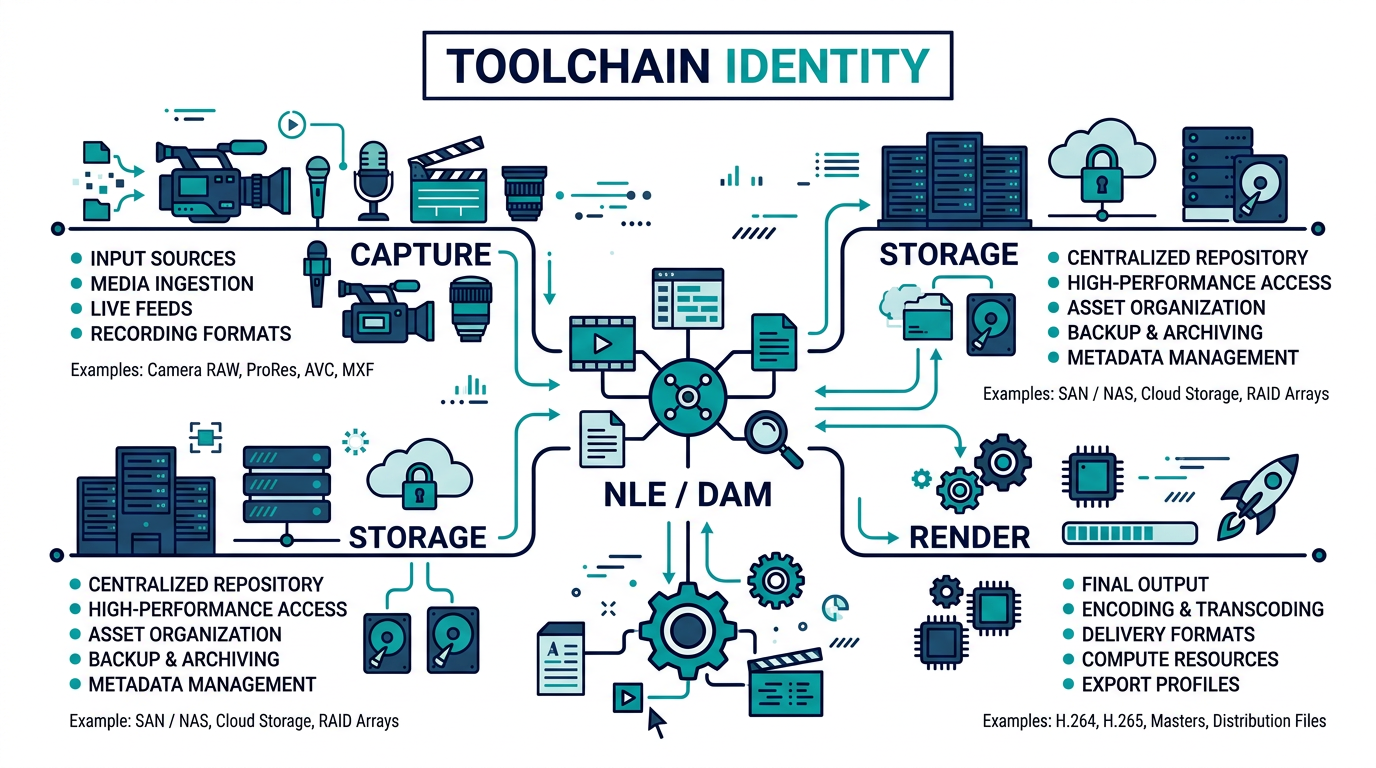
Workbook checkpoint (Block MP201). Complete Environments & capture boundaries. Separate production, pilot, and archive capture paths in plain language—who may write where.
The Media Toolchain Architecture (artifact overview)
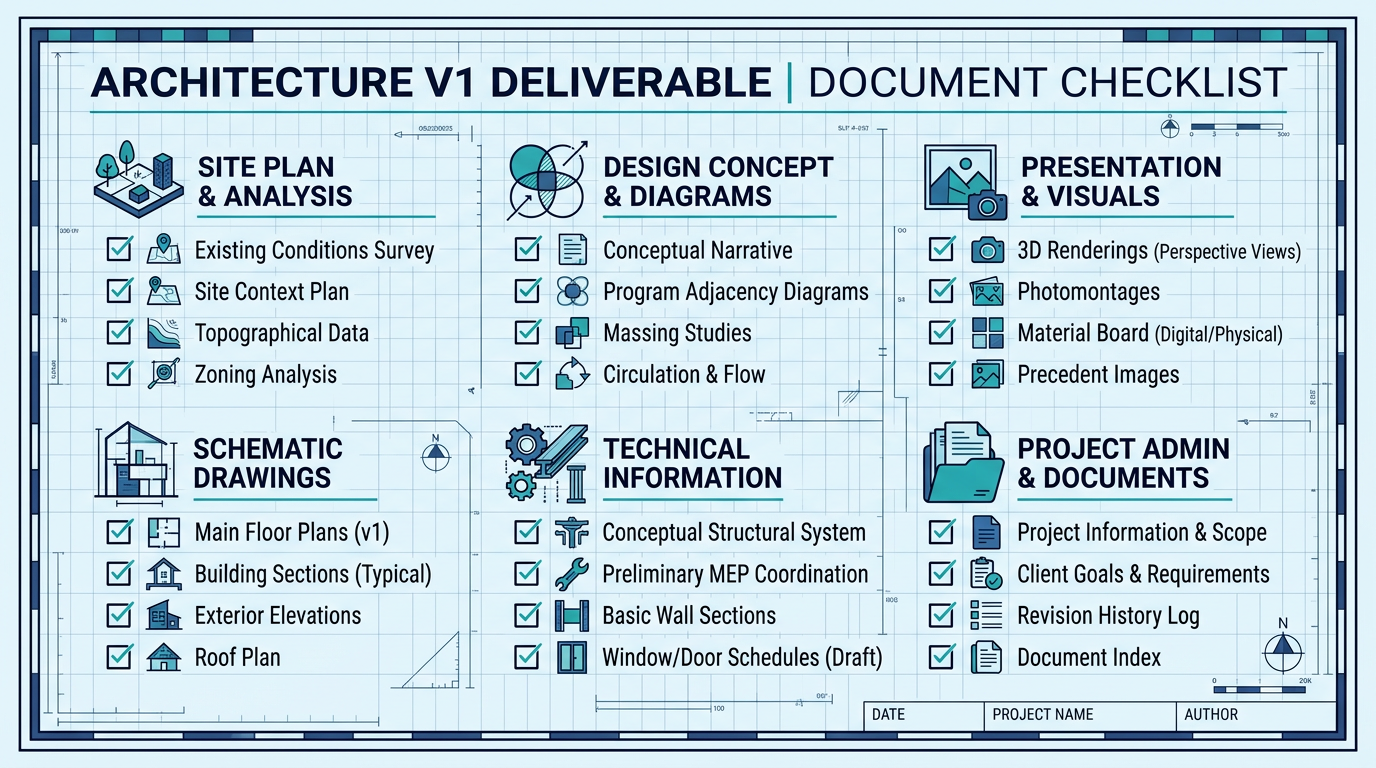
Your deliverable has six spine sections:
- Environments & capture boundaries — where signal enters and which paths are authoritative.
- Storage & proxy posture — rushes, proxies, masters, lifecycle.
- Editorial & render surface — NLE, presets, captions, versioning.
- Integration handoffs — how files and metadata move between tools.
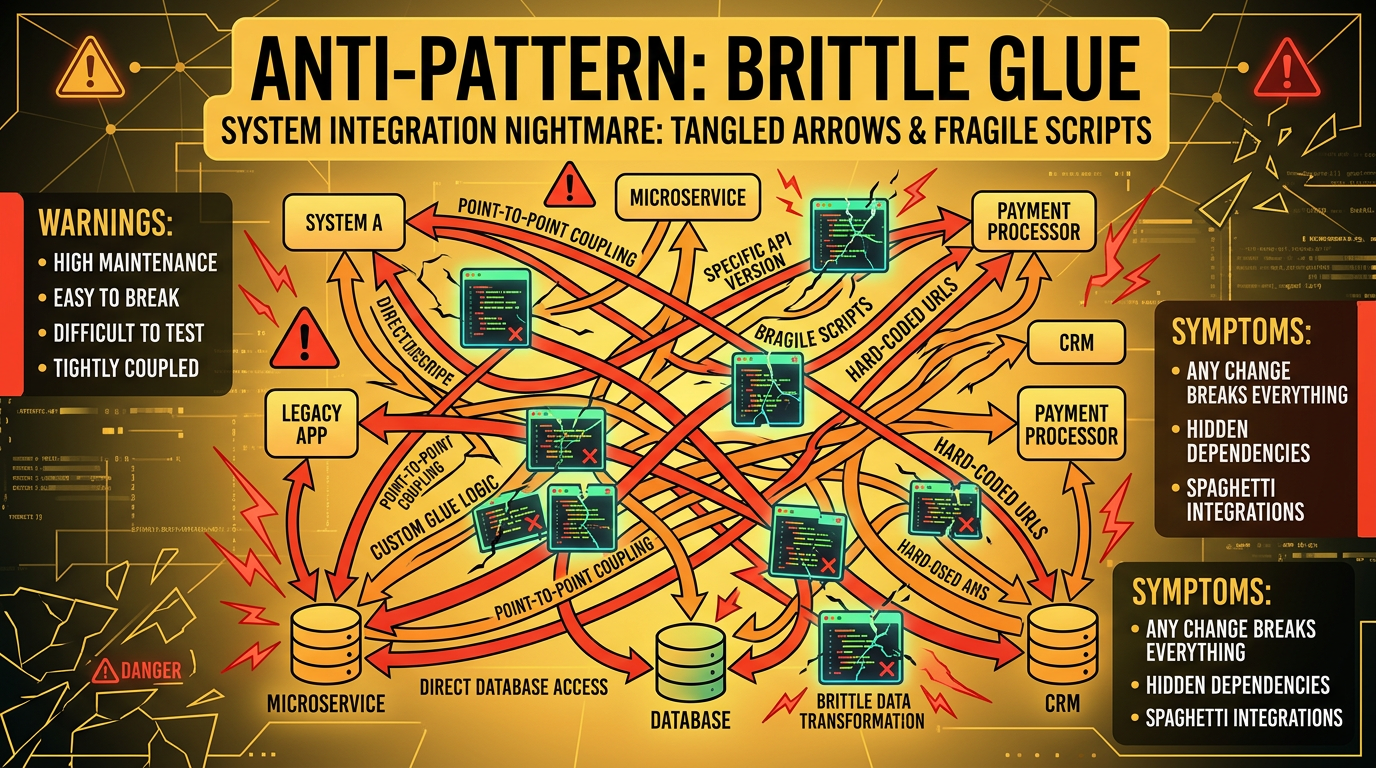
- Coupling & version skew risk — what breaks when codecs or plugins shift.
- Toolchain proof commitment — one test that validates the architecture end-to-end.
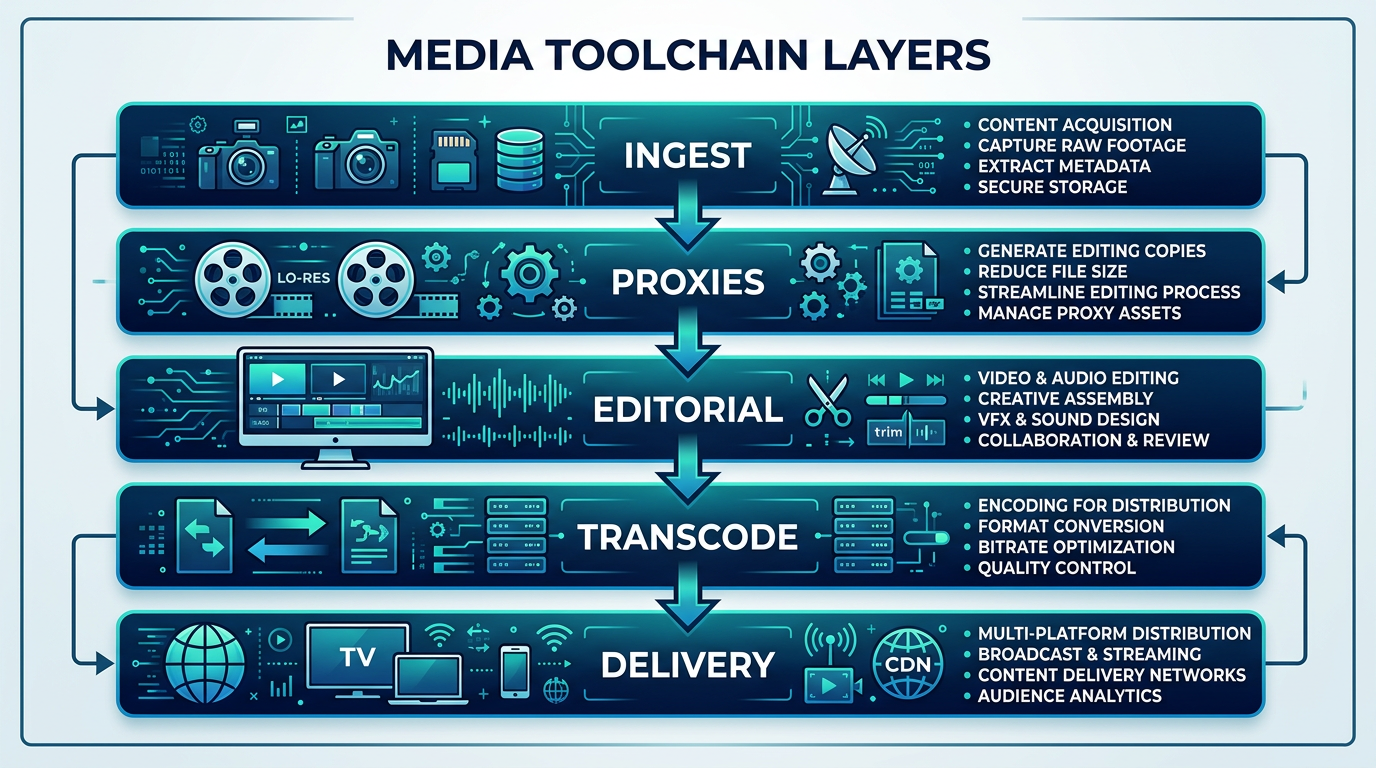
Workbook checkpoint (Block MP202). Complete Storage & proxy posture. State where rushes, proxies, and masters live and who may promote between tiers.
System explanation: surfaces, storage, editorial exits
Inspect three planes without opening a timeline:
- Surfaces — cameras, ingest, sync, watch folders.
- Storage logic — buckets, volumes, retention, checksums.
- Editorial exits — render presets, captions, package formats feeding integrations.
When boundaries are explicit, you stop “fixing export” while the wrong proxy feeds the DAM.
Workbook checkpoint (Block MP203). Complete Editorial & render surface. Name NLE, presets, color/caption ownership, and where versioning breaks.
Real-world pattern (illustrative)
Below is a pattern, not your stack: ingest → transcode proxy → edit lock → mezzanine → integration webhooks. Substitute your tools in MP204—do not copy verbatim into production docs.
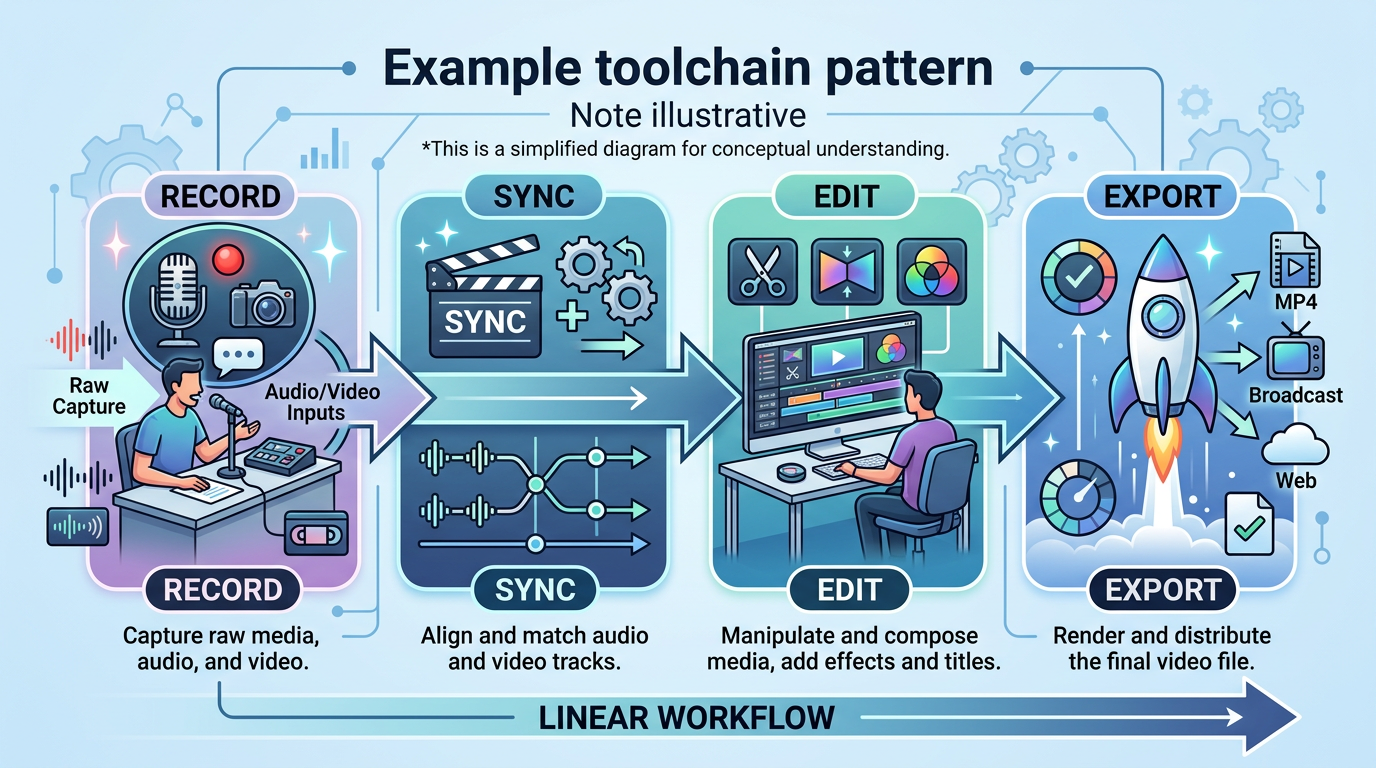
Workbook checkpoint (Block MP204). Complete Integration handoffs. Describe how files and metadata cross APIs, folders, or queues—include failure visibility.
Coupling, skew, and tradeoffs
Toolchains crack when plugin versions diverge or two systems both write “the” sidecar. Rank skew risks by blast radius: publish blackout, corrupt master, or silent wrong asset.
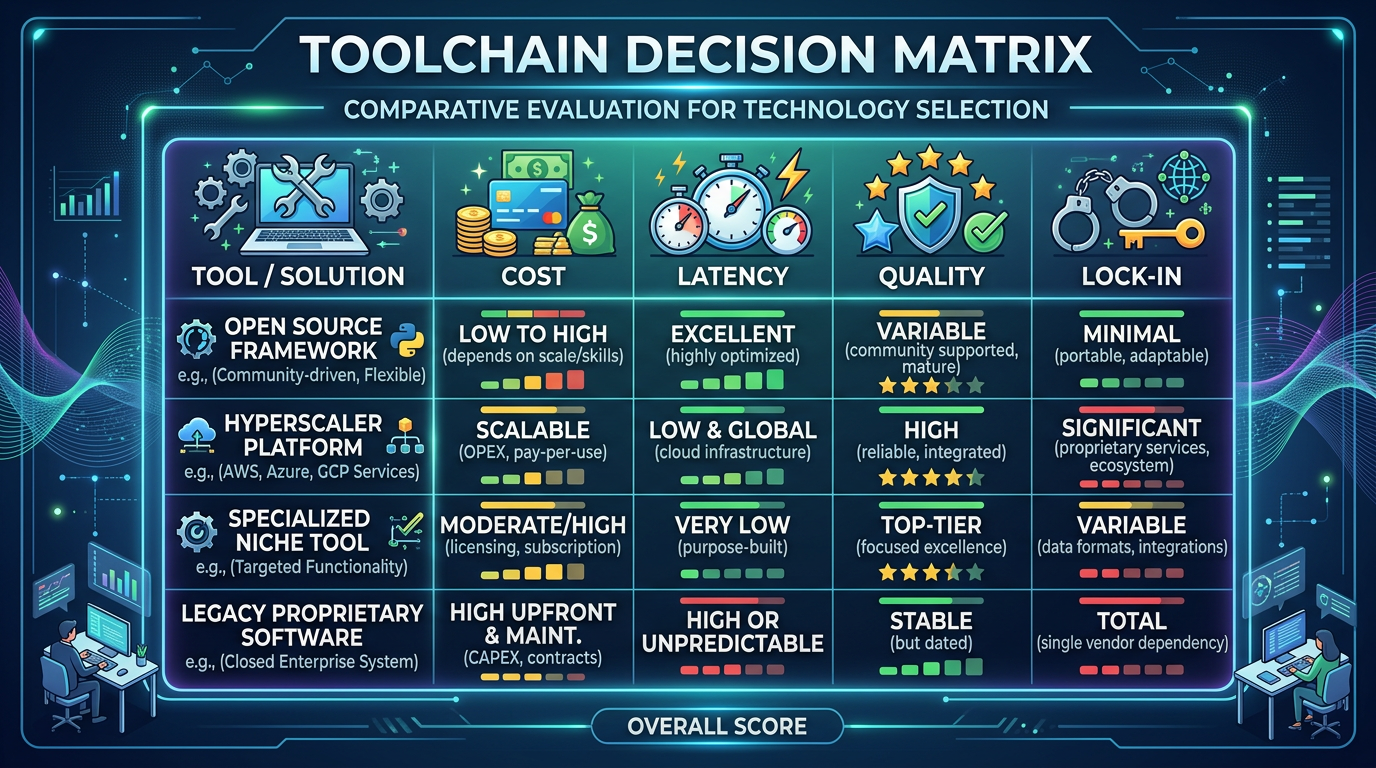
Workbook checkpoint (Block MP205). Complete Coupling & version skew risk. List what breaks when codecs or integrations shift and who owns mitigation.
Execution: prove the architecture
Architecture is not a slide—it is a verified path. Choose one proof that exercises capture → storage → editorial → handoff on a fixed schedule.
Workbook checkpoint (Block MP206). Record Toolchain proof commitment with owner role and time window.
Deeper context: where automation will attach
Automation hooks to stable seams: named folders, queue topics, job IDs, and metadata keys. If your architecture hides those seams, Lesson 003 cannot script them safely.
Anti-patterns that invalidate a toolchain map
- Anonymous storage. “We use cloud” without buckets, regions, and lifecycle.
- Hand-wavy integrations. Arrows with no owner system or failure signal.
- Version amnesia. No statement of NLE/DAM/transcode versions in production.
- Hero fixes as design. Relying on one engineer’s manual rescues instead of boundaries.
Pilot vs production honesty
If you pilot on a sandbox channel, label it in MP201 and carry constraints through MP204. The worst failure is a pristine architecture for a stack you do not run.
Final workbook line
Scroll to the Workbook section below, complete all six blocks, then take the knowledge check. Passing shows you can defend toolchain boundaries under light pressure.
Workbook
Media lesson 002 — your entries save automatically while you are logged in.